
Roblox video thumbnails
Thumbnails for Roblox channels: characters, emotions and a scene that read at first glance in the YouTube feed.
I’ve been making thumbnails for Minecraft and Roblox for over 5 years — more than 1,500 so far. Videos with my thumbnails have over 100 million views.
How Roblox thumbnails differ from Minecraft
Roblox characters have faces and emotions, so the hero’s emotion is often the main hook: fear, surprise, excitement. The worlds are brighter and more varied — from obbies and tycoons to horror games — and the thumbnail has to show right away which game the hero is in and what’s happening to him.
How a thumbnail is made
I set up the scene with your avatar and the game world, then add light, color, effects and accents in Photoshop and Cinema 4D. Nano Banana helps with backgrounds and elements. Before delivery I check the thumbnail at phone-feed size.

Prices
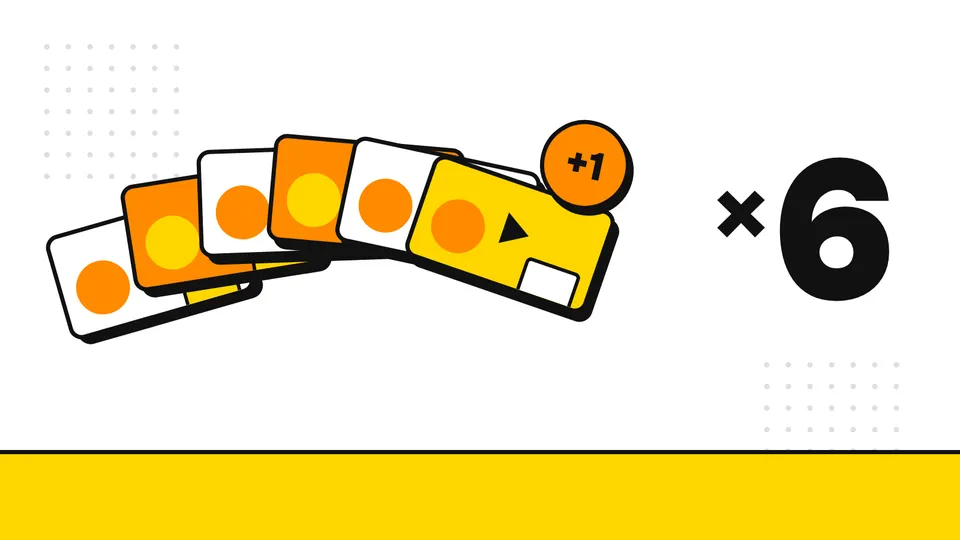
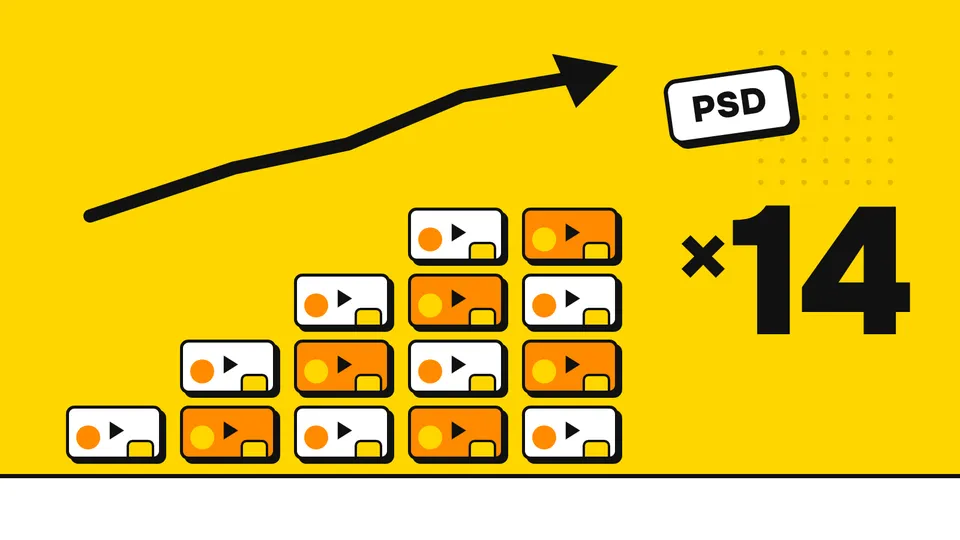
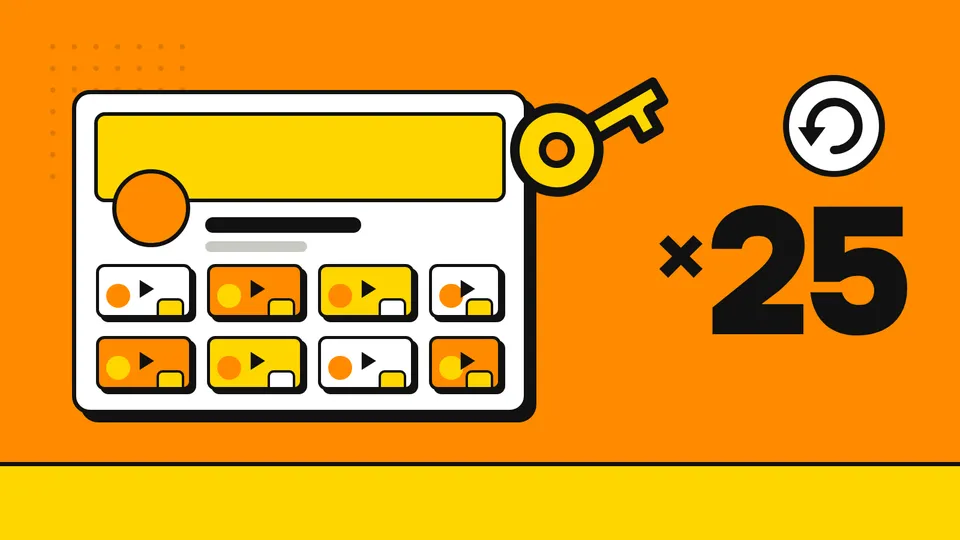
Every thumbnail includes 2 rounds of revisions and takes 2–3 days. Packages are cheaper if you upload regularly: Start (6 thumbnails, 5 + 1 free), Growth (14 thumbnails with PSD and priority) and All-in (25 thumbnails a month plus channel art and PSD). Current prices are in the service cards on this page.
Add-ons: rush delivery, the layered PSD source, and a second version of the work for an A/B test.
What to send for an order
The video topic and the moment that matters. A link to your channel and your avatar. If you have thumbnails you like, send them too.
Revisions, payment and rights
Every thumbnail includes 2 rounds of revisions. New clients pay 50% upfront. After payment you get full rights to the finished work.
Message me on Telegram at @zarikdzn — tell me about your video and I’ll suggest a thumbnail idea.
How I work
Brief
You send the video topic and the idea: what matters on the thumbnail.
Draft
I send a composition sketch to agree on the idea before the detailed work.
Revisions
I apply revisions: 1 round for the free option, 2 for paid orders.
Final file
You get the thumbnail in the right size, with full rights to the work.
FAQ
How much does a thumbnail cost?
Current prices for a single thumbnail and for the Start, Growth and All-in packages are in the service cards on this page. Packages are cheaper per thumbnail.
How long does a thumbnail take?
A single thumbnail and the Start package take 2–3 days per thumbnail, Growth and All-in take 1–2 days. Rush delivery is available as an add-on.
What should I send to order?
The video topic and the key moment to show: a monster, a trap, an emotion. A link to your channel and your skin. If you have thumbnails you like, send them too.
Can you make two versions for an A/B test?
Yes. A second version of the same work is available as an add-on, and the All-in package includes an A/B test version for 4 thumbnails a month. You can compare versions in YouTube Studio with “Test & Compare”.
Who owns the rights to the thumbnail?
You do: after payment you get full rights to the finished work. The PSD source is an add-on for a single thumbnail and the Start package and is included in Growth and All-in.
How does payment work?
New clients pay 50% upfront and the rest when the work is done.
Got a video idea?
Send the topic on Telegram and we’ll discuss the thumbnail.
Message on Telegram @zarikdzn